
Nextcloud Hosting
Managed Nextcloud, ready in under a minute.
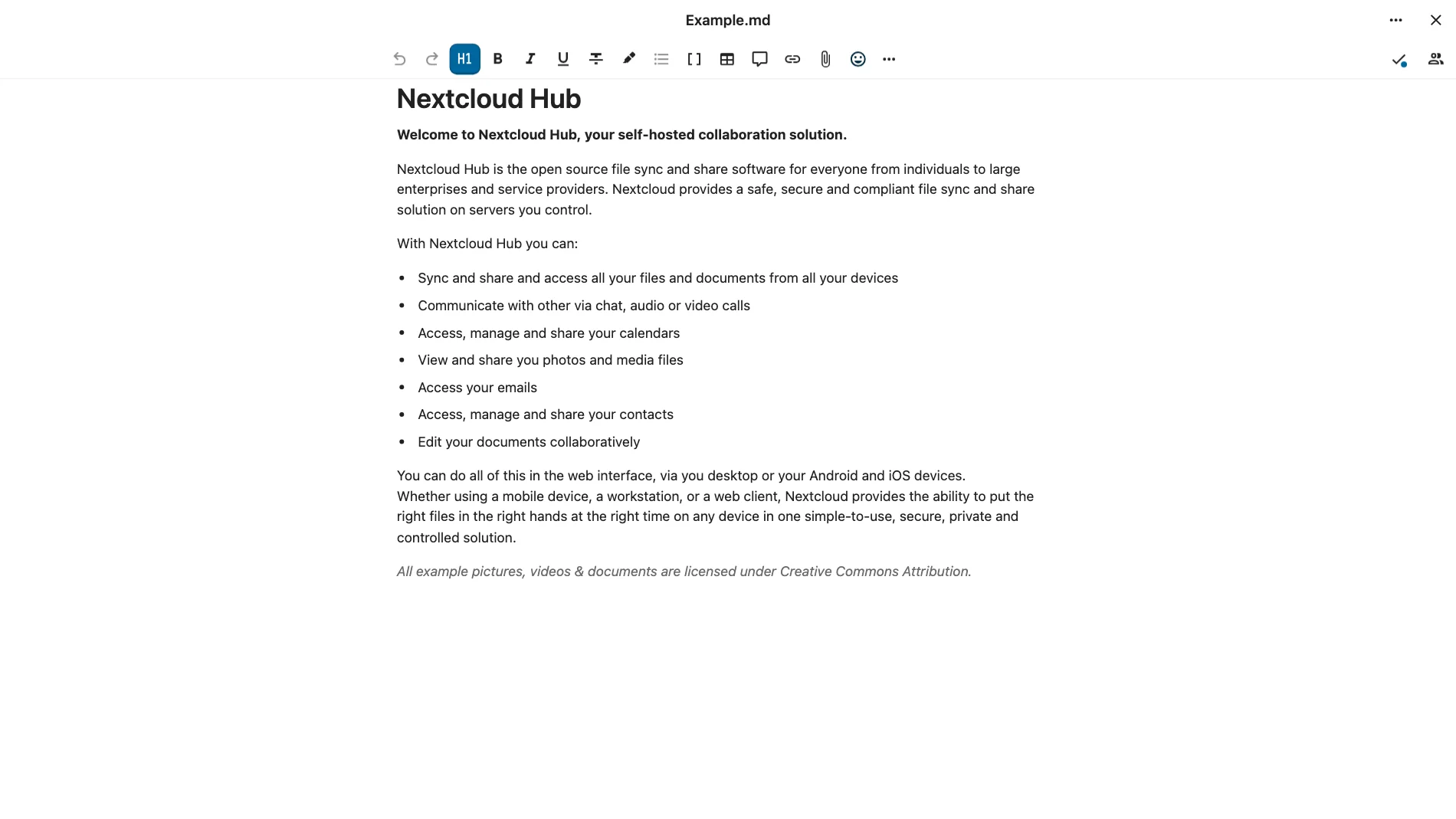
Nextcloud brings file storage, synchronization and sharing into a workspace you can use from a browser, phone or desktop computer. It suits individuals, families and small teams who want a central place for documents and a way to share folders without sending copies back and forth.
Choose which folders to synchronize, create share links with access controls, and recover earlier file versions when available. Additional Nextcloud apps can add calendars, contacts and other tools, letting you build a workspace around the features you actually use.
It is an open source alternative to Dropbox.
Nextcloud in action
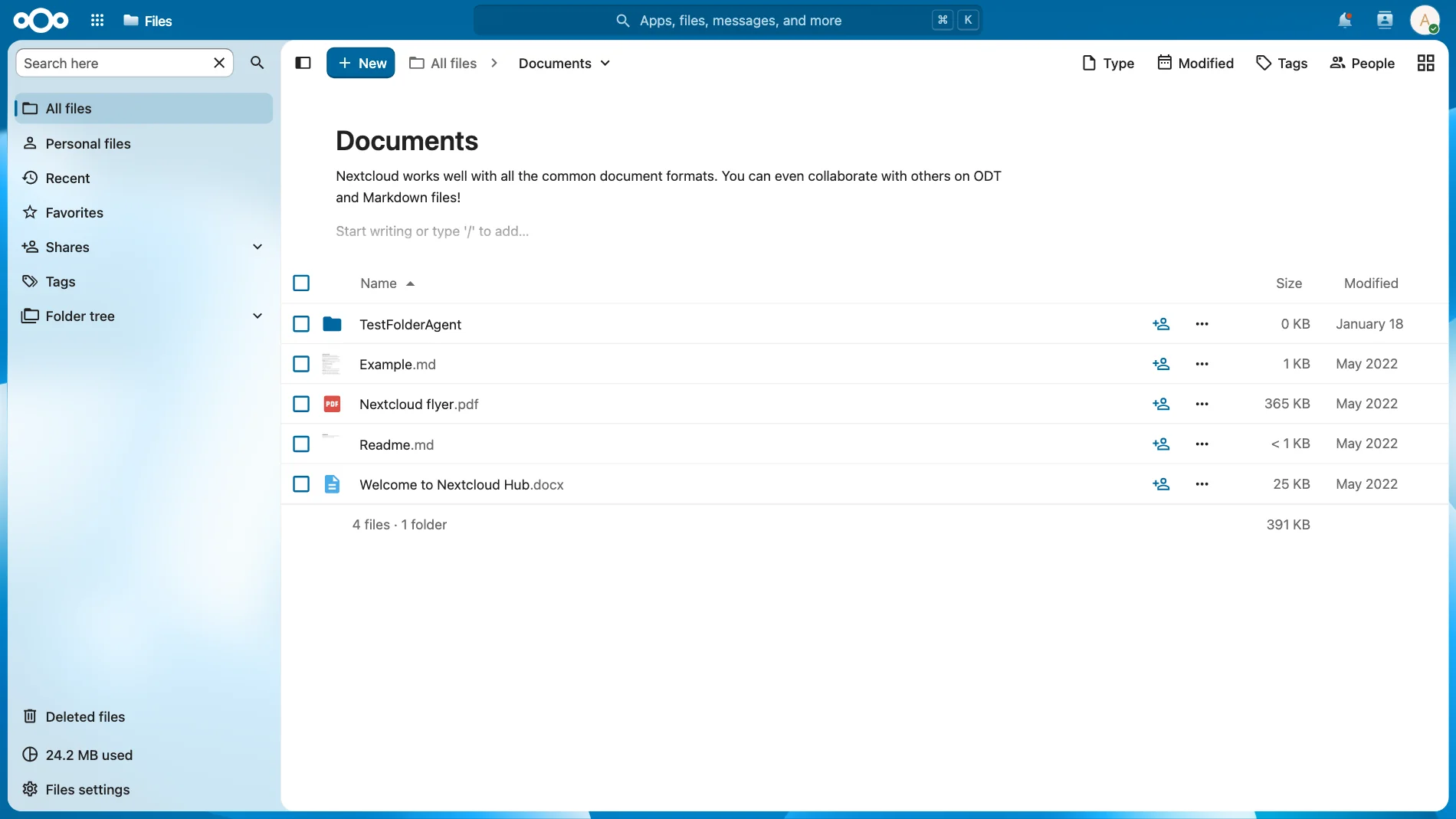
Keep your files accessible across devices and share folders or links with the people you choose.
What you can do with Nextcloud
Central file workspace
Upload, browse and organize documents through the web interface, with access from desktop and mobile apps.
Choose synchronized folders
Keep selected folders synchronized between your computer and your Nextcloud account.
Controlled file sharing
Share files and folders with other users or create public links. Add passwords and expiration dates to links when needed.
Earlier file versions
Review and restore earlier file versions when retained by the server. Deleted files can also be recovered from the trash while available.
What users say about Nextcloud
Summarized from public community discussions about Nextcloud, not about PikaPods.
Everyday use varies
Users describe relying on Nextcloud for daily file synchronization and sharing, while experiences with speed and maintenance differ, especially for larger collections or added apps (daily-use discussion, long-term sync experience).
Benefits of hosting Nextcloud with PikaPods
Frequently asked questions
Setting up Nextcloud
About Nextcloud and PikaPods
Similar apps on PikaPods


Ready to deploy Nextcloud?
Start free with $5 welcome credit. Your pod is ready in under a minute.
Run Nextcloud